
Pick the cleanup you need.
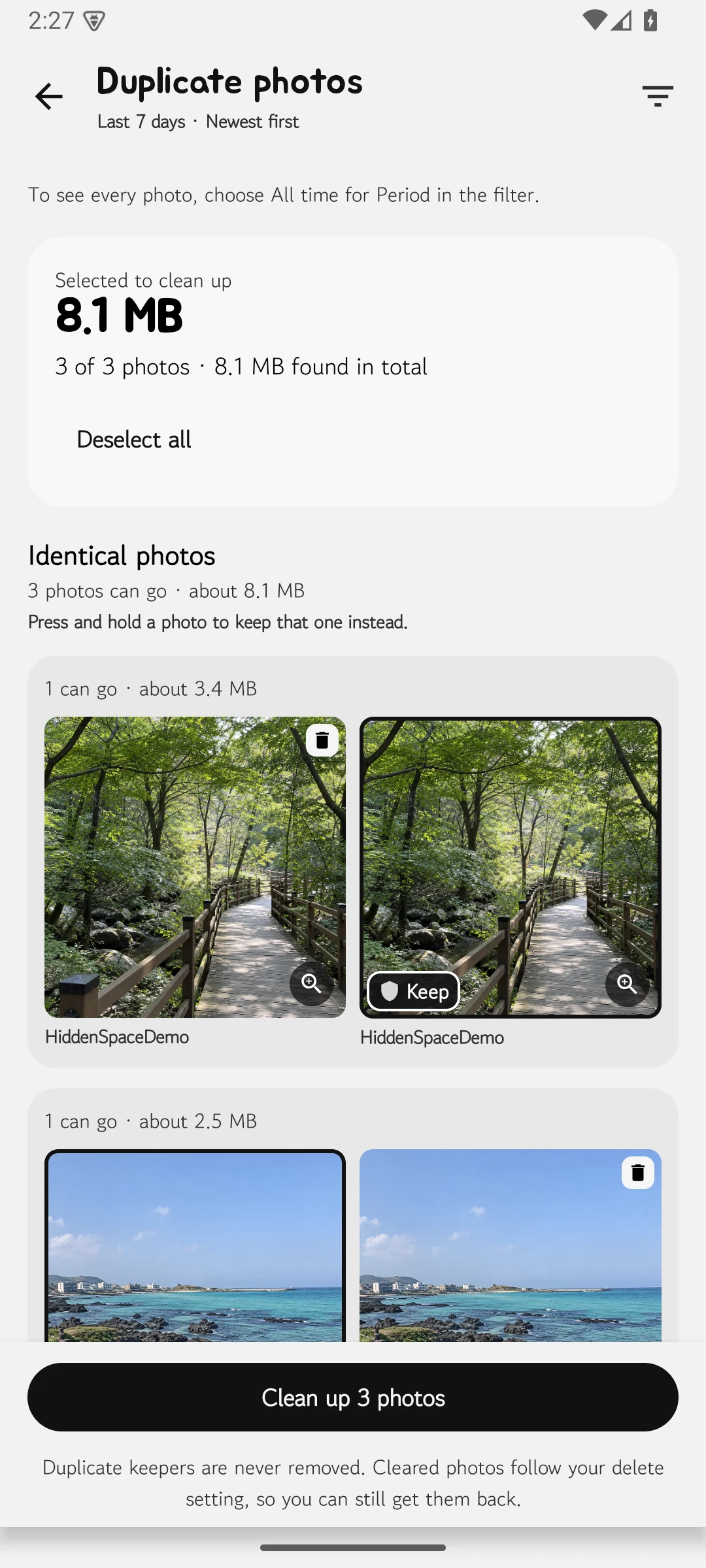
Start with photos, videos, screenshots, albums, best shots, or duplicate-photo groups.
SwiPik · Photo cleanup
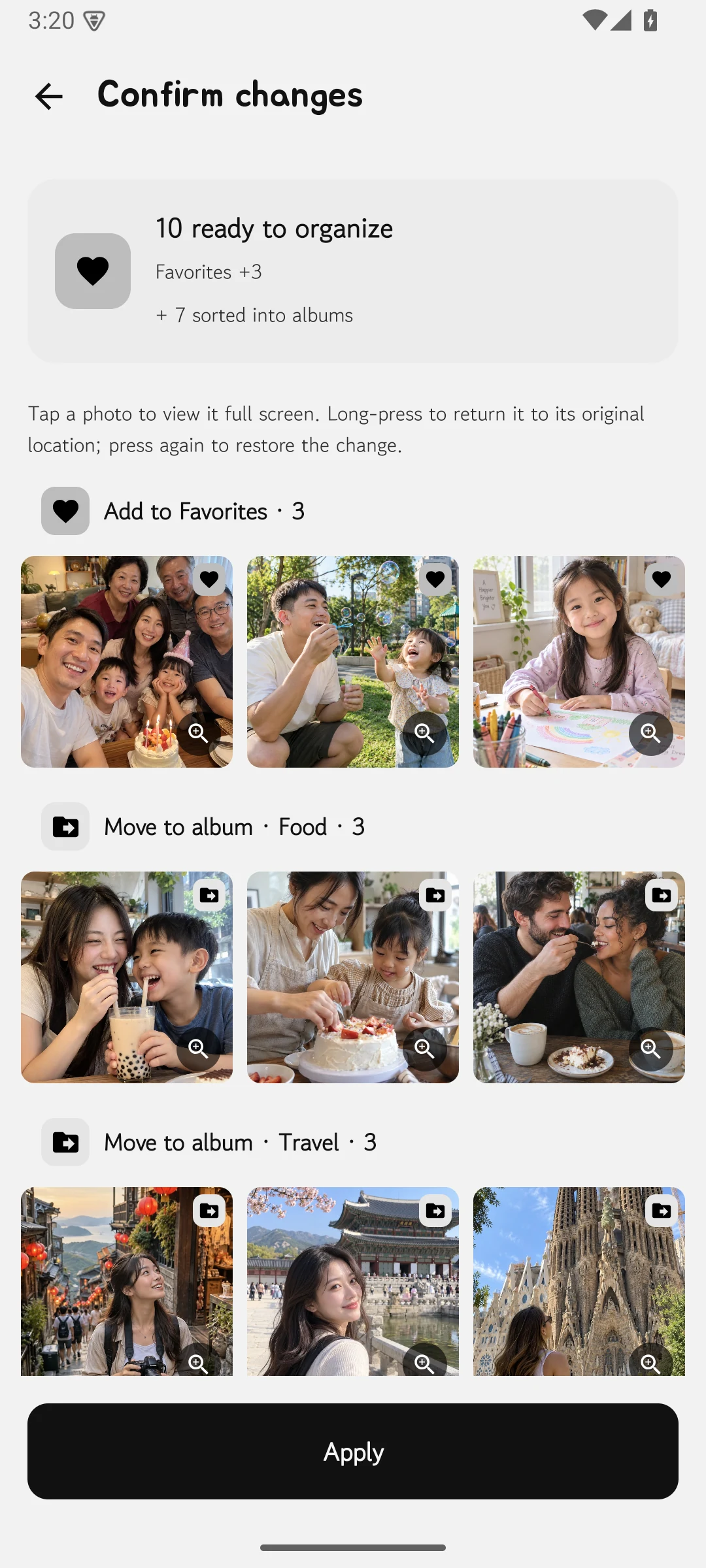
Review photos, videos, and screenshots one by one, file them into albums, and compare similar photos before choosing a best shot. Review your decisions before anything is applied.
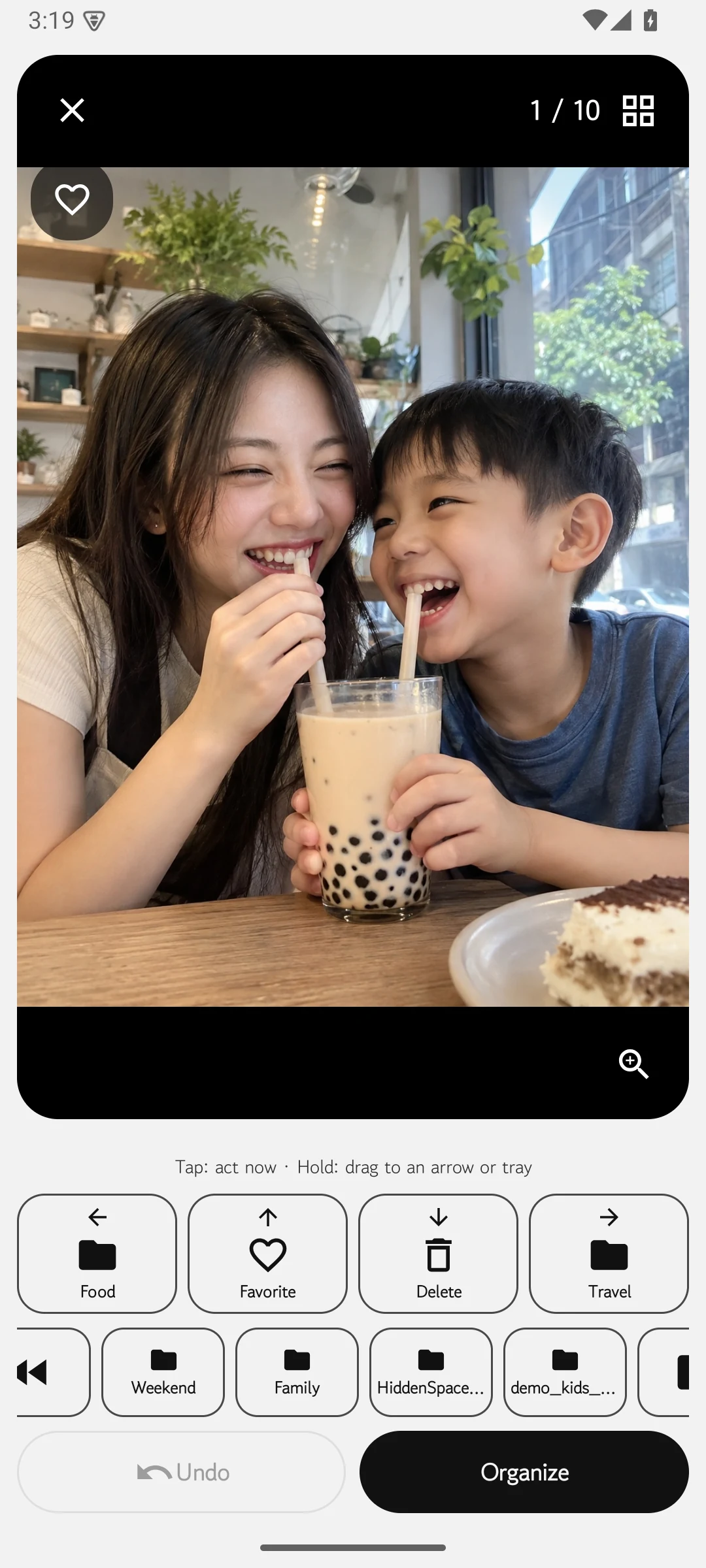
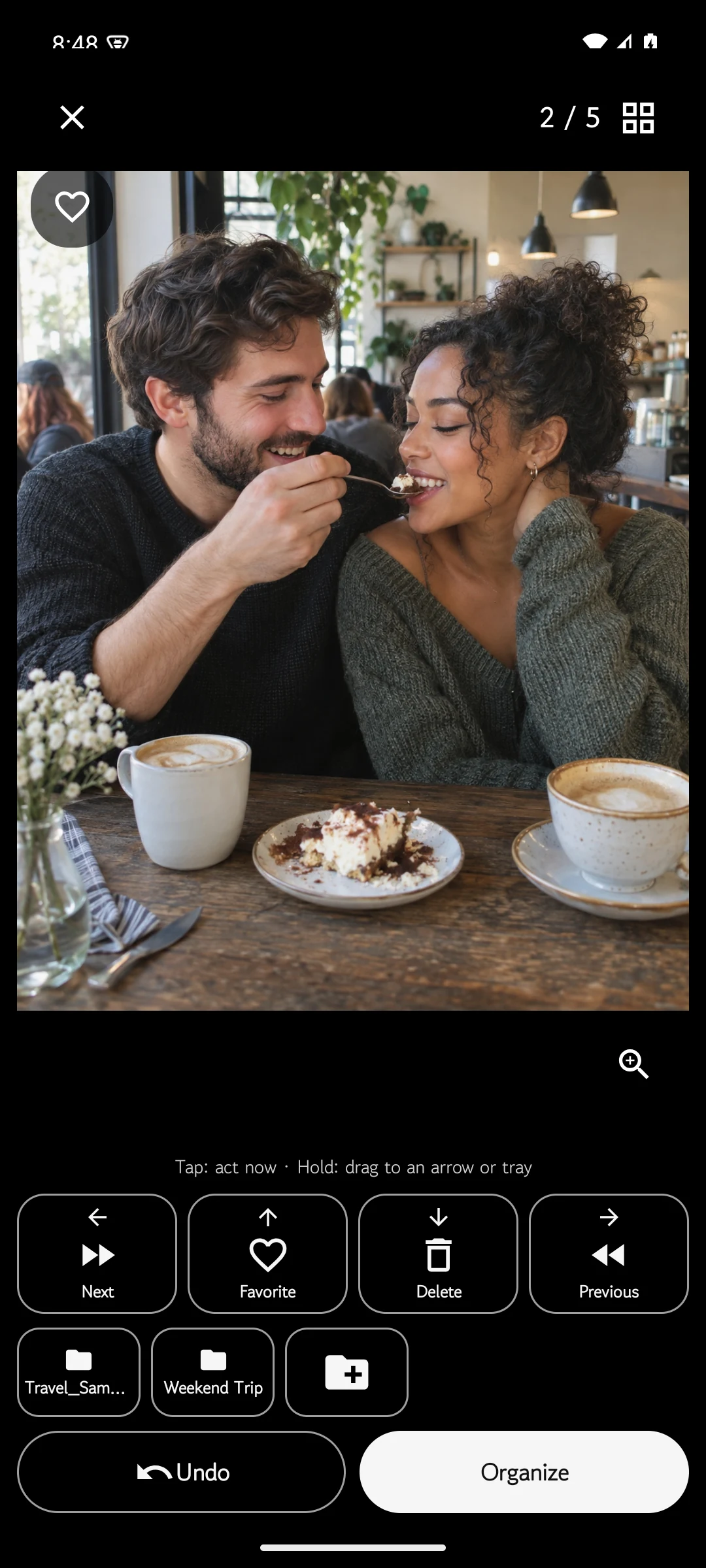
Six real screens
These are genuine English UI screens from the public Android 1.2.0 release. They use prepared lifestyle imagery rather than anyone’s private photo library.
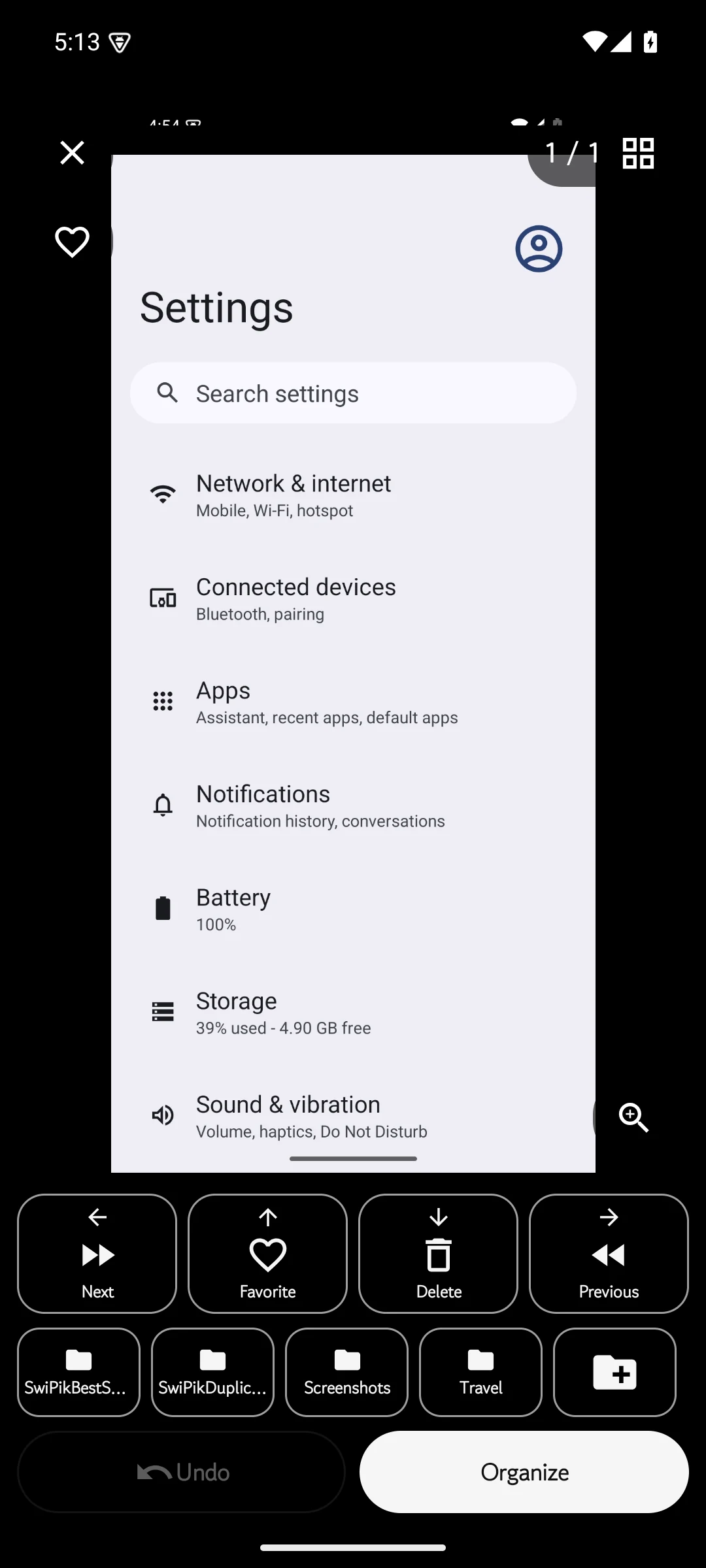
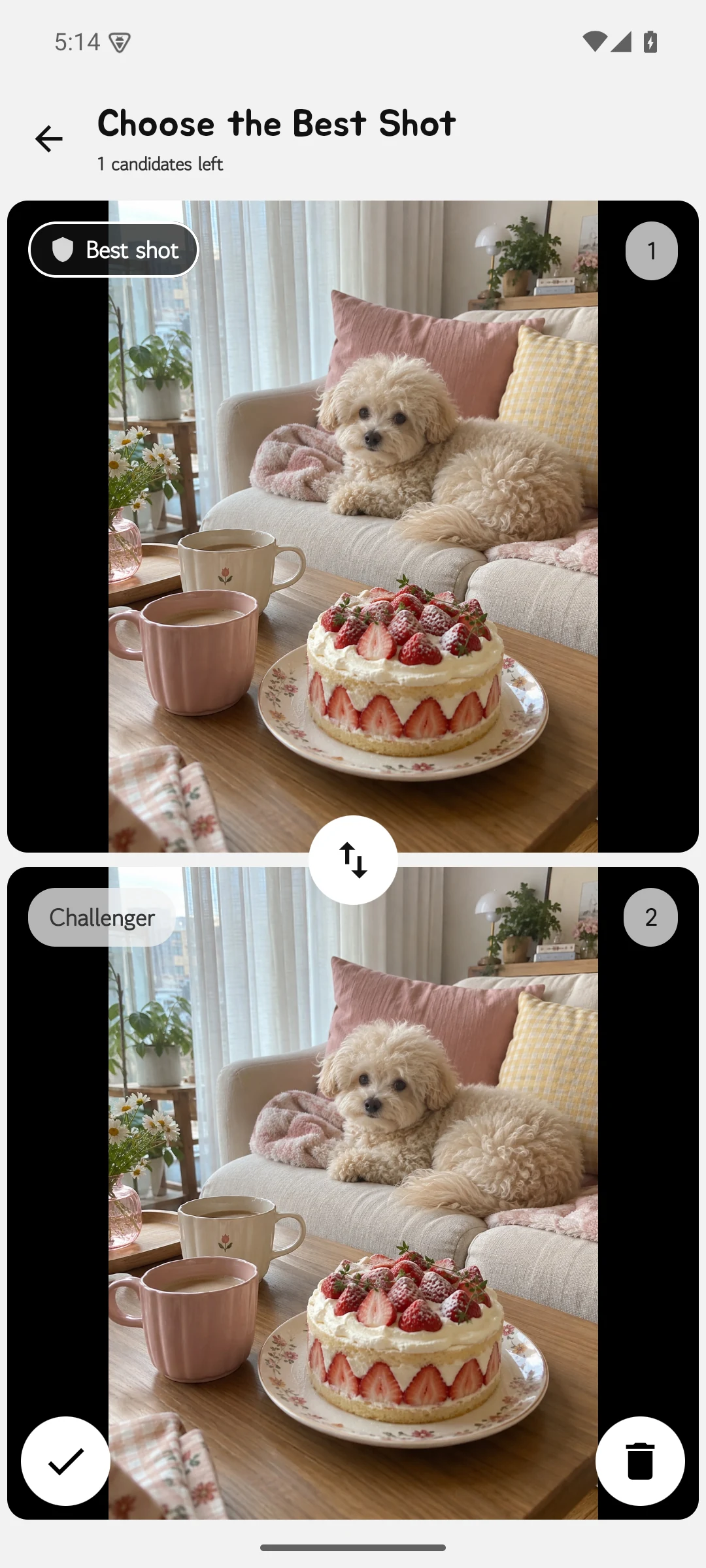
Your choice stays visible
Start with photos, videos, screenshots, albums, best shots, or duplicate-photo groups.
Use a swipe or button for each decision, and choose the destination album when you want to organize.
Review the selection in SwiPik first. Android’s system confirmation is part of the deletion flow.
Free & Premium
Regular cleanup can be repeated in batches of 50 items at no charge. The final apply step for Smart Cleanup is a Premium feature.
Best-shot and duplicate-photo choices are reviewed group by group. Pricing and purchase conditions can vary by time and region; rely on the current Google Play listing.
Available on Android